The world of PC Gaming has always been synonymous with power, customization, and cutting-edge technology. It represents the pinnacle of the interactive entertainment experience, offering a level of fidelity and freedom that often sets the bar for the entire Gaming Industry. In recent years, however, the very definition of a “Gaming PC” has evolved dramatically. No longer confined to the monolithic desktop tower, the power of PC gaming now fits into backpacks as high-performance Gaming Laptops and even into the palms of our hands with a new wave of powerful handheld devices. This expansion has created an ecosystem with unparalleled choice, but also one that can be daunting for newcomers and veterans alike.
This comprehensive guide will demystify the modern gaming PC, breaking down its core components, exploring the different form factors available, and providing actionable insights to help you build, buy, or upgrade your ideal rig. Whether you’re a competitive esports athlete chasing every frame in Valorant News, a creative soul building worlds in Minecraft News, or a story-driven adventurer exploring the latest AAA Games, understanding the hardware that powers your passion is the first step toward an optimized and immersive experience. We’ll navigate the complexities of Gaming Hardware, from the latest Graphics Cards to the nuances of Gaming Monitors, ensuring you have the knowledge to make informed decisions in this dynamic landscape.
The Anatomy of a Modern Gaming PC
At its core, a gaming PC is a symphony of specialized components working in harmony to render complex virtual worlds in real-time. Understanding the role of each part is crucial, whether you’re diagnosing a performance issue or planning your next upgrade. While the market is flooded with brands and models, the fundamental principles remain the same.
The Heart of the Machine: CPU and GPU
The Central Processing Unit (CPU) and Graphics Processing Unit (GPU) are the two most critical components for gaming performance. Think of them as the brain and the artistic talent of your system.
- CPU (The Brain): The CPU handles game logic, physics calculations, artificial intelligence (AI), and countless background tasks. For gaming, single-core performance and high clock speeds are often paramount. In modern titles, especially complex Strategy Games or massive open-world RPG Games, having more cores (6 or 8 is the sweet spot for most gamers) helps manage the load. Intel’s Core series and AMD’s Ryzen series are the dominant players in the CPU market.
- GPU (The Artist): The GPU, or Graphics Card, is the single most important component for visual fidelity. It takes the data from the CPU and renders the stunning 3D graphics you see on screen. Its performance dictates the resolution and settings you can play at. Key specifications include VRAM (video memory), core clock speed, and support for technologies like ray tracing and DLSS/FSR. NVIDIA’s GeForce RTX series and AMD’s Radeon RX series are the main contenders, with Intel’s Arc series emerging as a new competitor. A powerful GPU is non-negotiable for demanding titles discussed in Call of Duty News or for pushing high frame rates in FPS Games.
Memory and Storage: Speed and Space
While the CPU and GPU do the heavy lifting, they rely on fast memory and storage to access game data quickly. A bottleneck in either of these areas can lead to stuttering, long load times, and a frustrating experience.
- RAM (Random Access Memory): RAM is your PC’s short-term memory. It holds the data for the game and applications you are currently running. For modern PC Gaming, 16GB is the recommended minimum, with 32GB becoming the new standard for high-end builds and future-proofing, especially for those who stream on Twitch or multitask. DDR5 is the latest standard, offering higher speeds than its predecessor, DDR4.
- Storage (Solid State Drives): The days of gaming on a mechanical Hard Disk Drive (HDD) are over. A Solid State Drive (SSD), particularly an NVMe M.2 SSD that plugs directly into the motherboard, is essential. It drastically reduces game loading times and improves overall system responsiveness. A 1TB SSD is a great starting point, allowing you to install your operating system and several large AAA Games.
The Supporting Cast: Motherboard, PSU, and Cooling
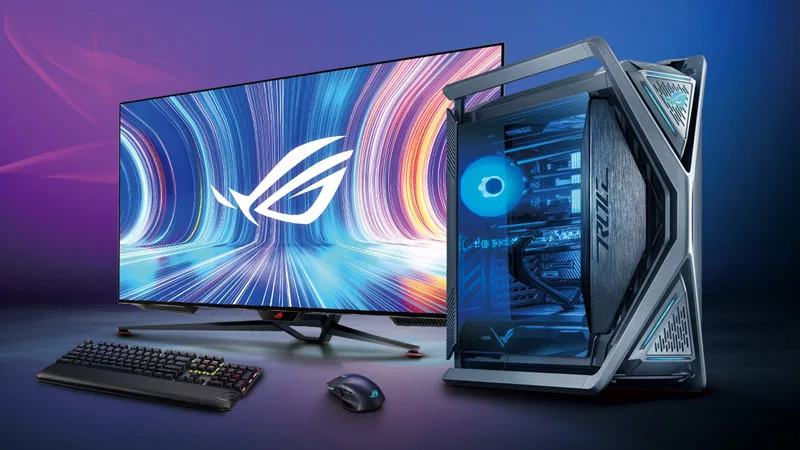
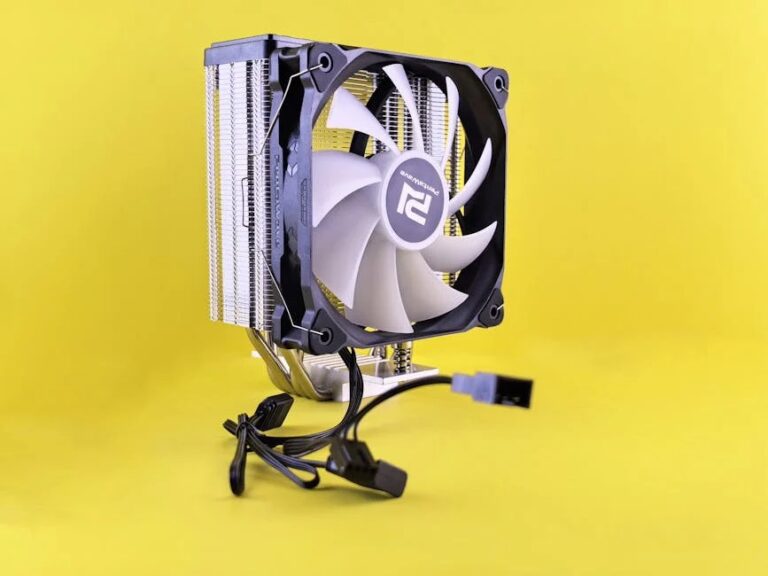
These components don’t grab headlines like a new GPU, but they are the foundation of a stable and reliable system. Skimping on them is a common pitfall for first-time builders. The motherboard is the central nervous system, connecting everything. The Power Supply Unit (PSU) is the heart, providing clean and stable power. Finally, a robust cooling solution—whether air or liquid—acts as the respiratory system, preventing your high-performance parts from overheating and throttling performance.
Choosing Your Form Factor: Desktop, Laptop, or Handheld?
The biggest evolution in the Gaming PCs market is the diversification of form factors. The right choice depends entirely on your lifestyle, budget, and performance priorities. This is a significant departure from the more rigid world of Console Gaming, where choices are limited to what’s offered in the latest PlayStation News or Xbox News.
The Desktop PC: The Pinnacle of Power and Customization
The traditional desktop tower remains the king of raw performance and value. Its larger chassis allows for more powerful components, superior cooling, and unparalleled upgradability. This is the platform of choice for Competitive Gaming in titles like Counter-Strike News and League of Legends News, where maximizing frame rates on a high-refresh-rate Gaming Monitor is key. It’s also the best platform for enthusiasts who enjoy tinkering, overclocking, and installing Game Mods to transform their favorite titles. Building your own desktop offers the ultimate control over every component, often providing the best performance-per-dollar.
Gaming Laptops: Power on the Go
Gaming Laptops have made incredible strides, packing desktop-like performance into a portable package. They are an excellent solution for students, frequent travelers, or anyone with limited space. However, this portability comes with trade-offs. They are generally more expensive than a desktop with equivalent specs, have limited upgrade options (usually just RAM and storage), and managing heat is a constant engineering challenge. Despite this, a high-end gaming laptop can easily handle the latest Game Releases and even power a VR Gaming experience.
The Handheld Revolution: A New Era for PC Gaming
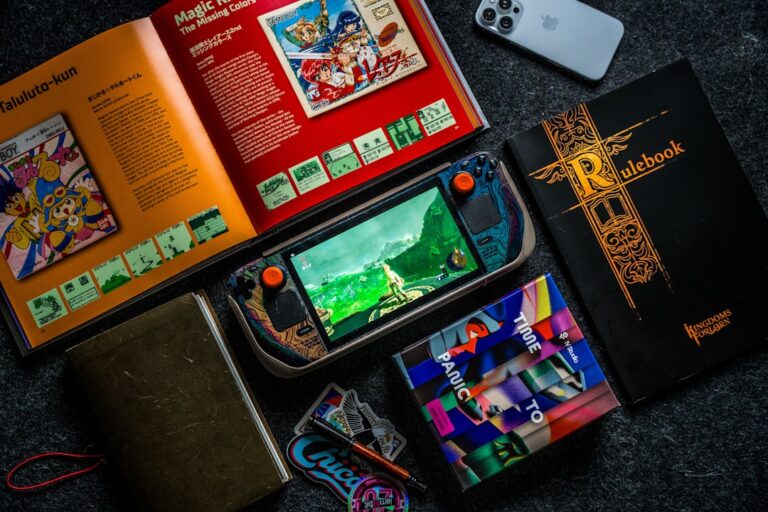
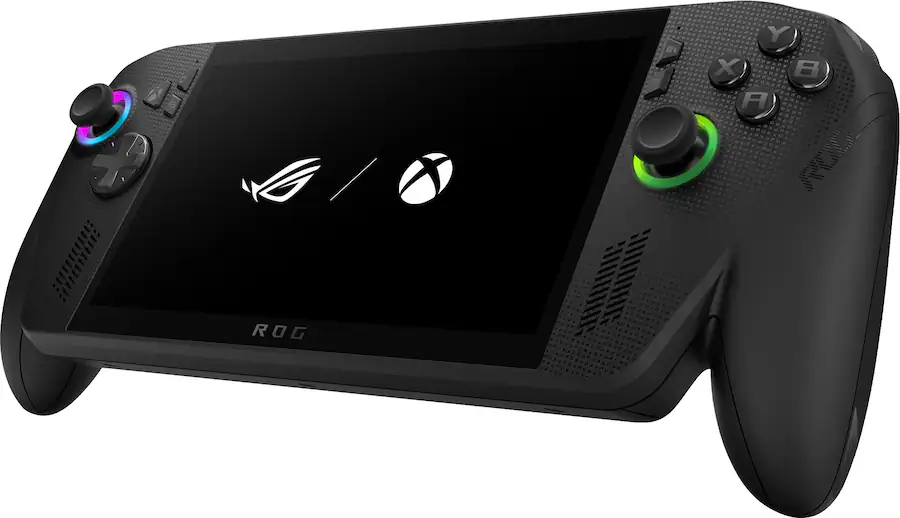
Spearheaded by the Steam Deck, a new category of handheld gaming PCs has exploded in popularity. These devices run full desktop operating systems (like SteamOS, a derivative of Linux, or Windows) and can play a huge portion of the PC game library, from modern hits to classic titles via Game Emulation. They are perfect for playing Indie Games on the couch, continuing your MMORPG News-worthy adventure on a commute, or diving into Retro Gaming. While they can’t match the raw power of a desktop, their convenience and the novelty of playing complex PC games on the go have carved out a significant niche in the Gaming Community.
The Complete Ecosystem: Peripherals and Software
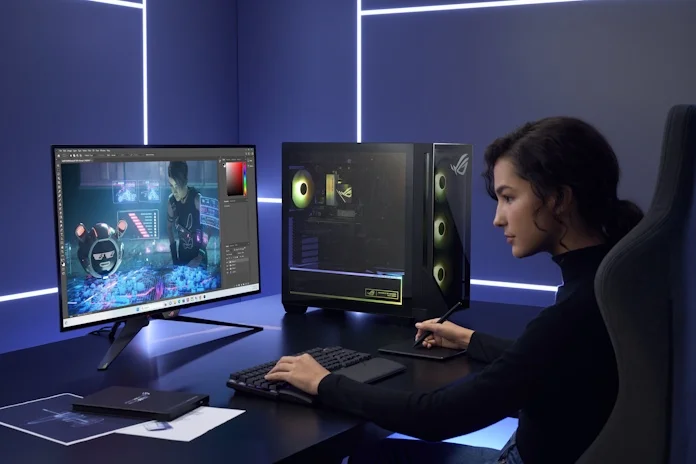
A powerful PC is only one part of the equation. The peripherals you use to interact with your games and the software that runs them are just as important for a complete and immersive experience. This holistic approach is a cornerstone of Gaming Culture.
Visuals and Input: Monitors and Peripherals
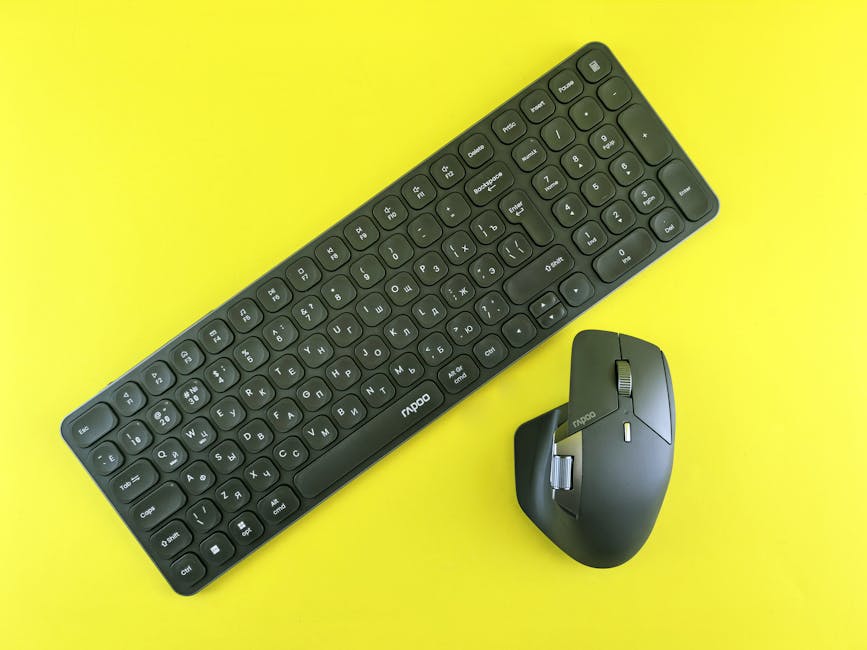
Your monitor is your window into the game world. A high-quality Gaming Monitor with a high refresh rate (144Hz or more), low response time (1ms), and adaptive sync technology (G-Sync/FreeSync) can provide a tangible advantage in fast-paced Battle Royale games like Apex Legends News or Fortnite News. Beyond the screen, your choice of Gaming Peripherals is deeply personal. A mechanical Gaming Keyboard offers tactile feedback and precision, while a lightweight Gaming Mouse with a high-quality sensor ensures your aim is true. A comfortable Gaming Headset with clear audio is vital for both immersion and team communication. For simulation fans, specialized gear like Racing Wheels and Flight Sticks can elevate the experience to new heights.
The Software Layer: OS, Launchers, and Communities
The vast majority of PC Gaming happens on Windows, which offers the broadest compatibility. On top of the OS sit game launchers, the digital storefronts where you buy and manage your games. Steam is the undisputed market leader, but the Epic Games News often highlights its regular free game giveaways, making it a popular alternative. The software ecosystem also includes vital community hubs like Discord for voice chat and community building, and streaming platforms that are the subject of constant Twitch News. This open software environment, unlike the closed ecosystems of consoles, is what enables everything from intricate Game Mods to groundbreaking Game Development tools like those featured in Unreal Engine News and Unity News.
Best Practices: Building, Buying, and Maintaining Your Rig
Whether you’re assembling a PC from scratch or buying a pre-built machine, a few key principles can save you from common headaches and buyer’s remorse. Here are some actionable tips and potential pitfalls to consider.
Building vs. Buying: The Eternal Debate
- Building a PC: This path offers maximum customization and can be more cost-effective. You choose every single component, ensuring quality throughout. The process is a rewarding learning experience. The biggest pitfall is the risk of incompatibility or user error during assembly, though tools like PCPartPicker have made this much easier.
- Buying a Pre-Built PC: This is the most convenient option. You get a single warranty for the entire system and dedicated customer support. The downside is often a higher price tag and the potential for system integrators to use lower-quality, non-branded components for the PSU, motherboard, or RAM to cut costs. Always check the full specifications before buying.
Common Pitfalls to Avoid
- Bottlenecking: This occurs when one component is significantly weaker than another, holding back the overall performance. The most common example is pairing a high-end GPU with a low-end CPU. The CPU can’t feed the GPU data fast enough, wasting the GPU’s potential. A balanced system is key.
- Skimping on the Power Supply (PSU): A cheap, unreliable PSU can be dangerous, potentially damaging every component in your system if it fails. Always buy a PSU from a reputable brand with an 80 Plus Bronze rating or higher.
- Ignoring Airflow and Cooling: Packing powerful, heat-generating components into a case with poor airflow is a recipe for thermal throttling, where your CPU and GPU will automatically reduce their performance to avoid overheating. Ensure your case has good ventilation and enough fans to keep things cool.
Conclusion: Your Gateway to Ultimate Gaming Freedom
The world of Gaming PCs in 2024 is more diverse and accessible than ever before. From the uncompromising power of a custom-built desktop designed for elite Esports News-level competition, to the convenience of a portable Gaming Laptop, to the innovative freedom of a handheld PC, there is a solution for every type of gamer. The journey into PC Gaming is one of continuous learning and evolution, offering a depth of customization, a breadth of software, and a level of performance that remains unmatched.
By understanding the core components, weighing the pros and cons of each form factor, and investing in a quality ecosystem of peripherals, you can craft a gaming experience that is perfectly tailored to you. Whether you’re diving into the latest Game Reviews to pick your next adventure or mastering the mechanics of your favorite MOBA, the right PC is your ultimate gateway to the limitless possibilities of digital entertainment.