




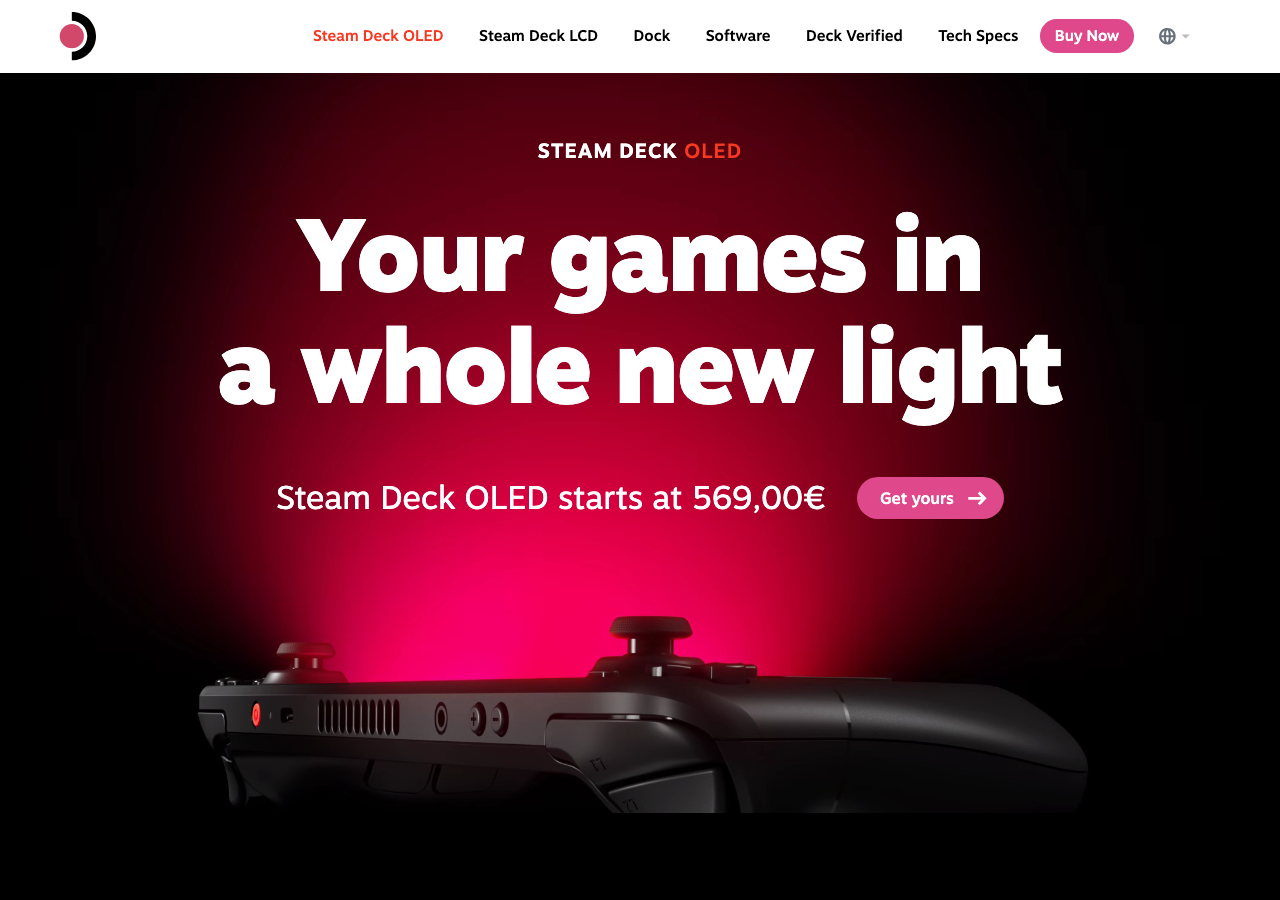
The handheld PC gaming category went from a single product (the original Steam Deck) to a crowded field in just a few years, and the two devices that have emerged as the genuine flagships are the Steam Deck OLED and the Asus ROG Ally X. Both shipped in 2023-2024, both target the same buyer, and both have had enough time in the field that the early-review honeymoon impressions have settled into something closer to ground truth. This article walks through how they compare after a year of real use, where each one wins, and what the buying decision actually comes down to in 2026.
The hardware on paper
Quick spec rundown to anchor the comparison:
Steam Deck OLED:
- AMD Aerith APU (4-core Zen 2, 8 RDNA 2 compute units)
- 16 GB LPDDR5
- 7.4-inch 1280×800 OLED at 90Hz, HDR support
- 50 Wh battery, USB-C charging, microSD slot
- SteamOS 3.x (Arch-based, KDE Plasma desktop mode)
- Starting at $549 for 512GB, $649 for 1TB
ROG Ally X:
- AMD Z1 Extreme (8-core Zen 4, 12 RDNA 3 compute units)
- 24 GB LPDDR5X
- 7-inch 1920×1080 IPS at 120Hz, FreeSync Premium
- 80 Wh battery, USB-C charging, microSD slot (relocated from the original Ally)
- Windows 11 with Armoury Crate SE launcher
- $799 for 1TB
The Ally X is the more powerful device on every spec sheet metric — newer CPU, newer GPU, more RAM, bigger battery, higher resolution screen, higher refresh rate. The Steam Deck OLED is cheaper, has a better display (OLED beats IPS regardless of resolution), and runs a Linux-based OS that was built specifically for handheld gaming.
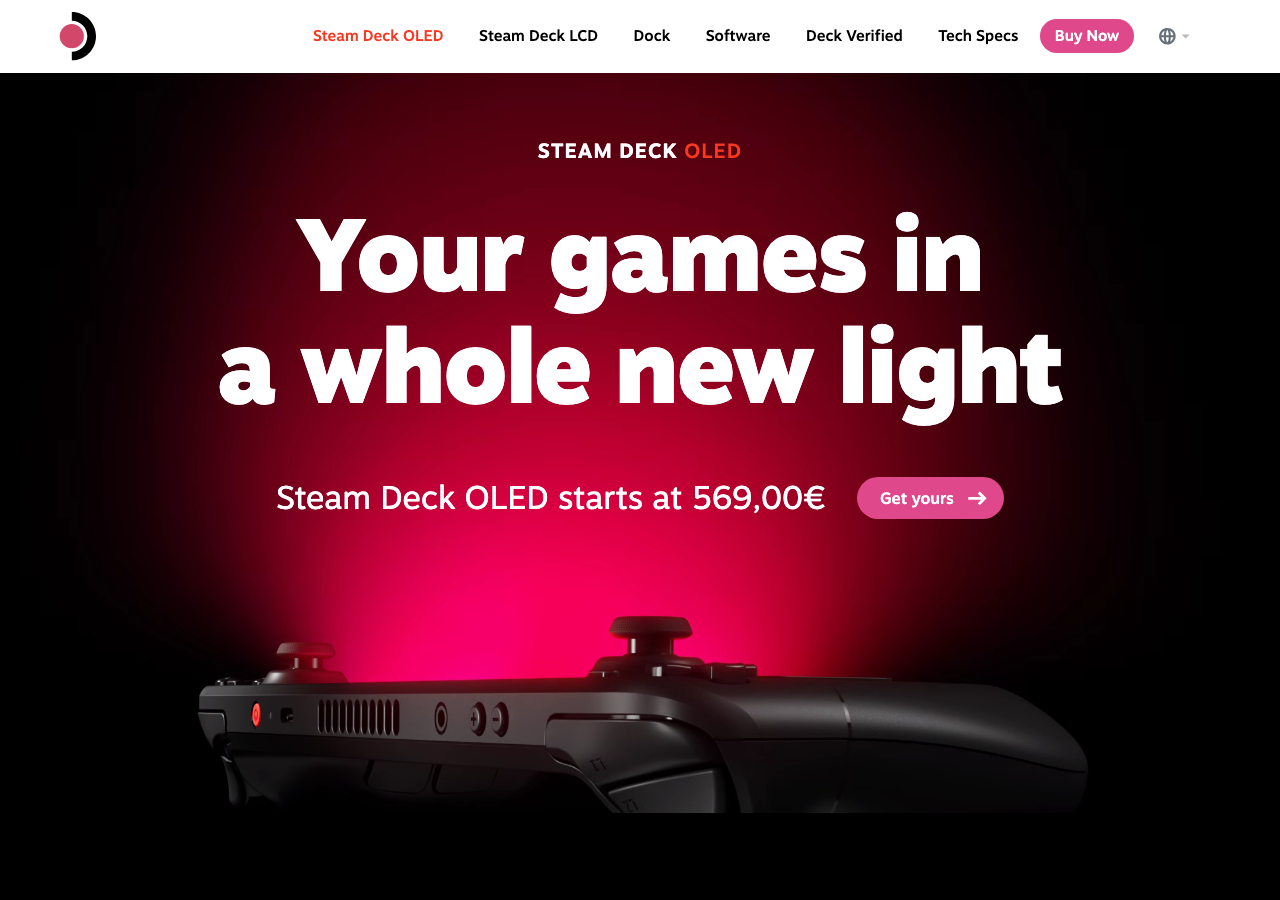
Where the Steam Deck wins
The wins are mostly in the experience layer rather than the raw performance:
- The OS is cohesive. SteamOS 3 is the operating system designed around the form factor. The home screen is a game launcher. Settings are organized around handheld concerns like power profiles and TDP limits. Everything you reach for has been tuned for one-handed thumb navigation. The Ally X runs Windows 11, which is a desktop OS with a launcher overlay, and the seams show constantly.
- Sleep/resume actually works. Press the power button on the Steam Deck and the game pauses. Press it again and the game resumes exactly where you left it. This is consistent across almost all titles. On the Ally X, sleep/resume works most of the time but occasionally crashes the game or brings the system back to the desktop instead of the game.
- The OLED screen is a substantial upgrade. Once you’ve played a game with HDR on a small handheld OLED, going back to IPS feels like watching the game through a thin layer of milk. The Steam Deck OLED’s contrast and color reproduction are noticeably better than any IPS competitor, including the Ally X.
- Battery life on light loads is much better than the spec sheet suggests. Indie games and 2D titles can get 6-8 hours on the Steam Deck OLED’s 50 Wh battery because the chipset is efficient at low loads. The Ally X gets ~5-6 hours on similar workloads despite having 60% more battery capacity, because the Z1 Extreme draws more power even when it’s not being pushed.
- Updates are predictable. SteamOS gets a system update every few weeks, they’re small, and they don’t break things. Windows updates on the Ally X have multiple times broken Armoury Crate, the Asus driver stack, or Game Mode in ways that took the user community a few days to figure out workarounds for.
Where the ROG Ally X wins
The Ally X’s advantages are real and they matter for specific use cases:
- Raw performance on demanding games. The Z1 Extreme is significantly faster than the Aerith chip in the Steam Deck. AAA titles that the Steam Deck struggles to maintain 30fps on (Cyberpunk, Starfield, Hogwarts Legacy at higher settings) can hit 50-60fps on the Ally X with similar settings. If your library is heavy on the latest big releases, the performance gap is the deciding factor.
- The 1080p screen is genuinely useful. Text in HUDs, menus, and dialogue is sharper at 1080p than at 800p, and the higher resolution gives you headroom for upscaling to look good. The OLED’s 800p is fine for actual gameplay but text-heavy games look better on the higher-res IPS.
- Windows compatibility. Anti-cheat systems that don’t support Linux just work on the Ally X. Destiny 2, Fortnite, Valorant, EA’s recent multiplayer titles — all of these either don’t run on Steam Deck or run with caveats. On the Ally X they install and play normally.
- External display story. Plug the Ally X into a monitor and dock, and you have a real Windows machine with the full Windows ecosystem. Plug the Steam Deck in and you get SteamOS gaming mode plus an optional KDE Plasma desktop, which is great for gaming but limited for everything else.
- Memory. 24 GB vs 16 GB doesn’t matter for most games today, but it matters for emulating modern systems (PS3, Xbox 360, even some PS4 emulators) where the host needs more RAM to manage the guest.

The reliability picture after a year
Both devices have had build quality issues but they’re different in shape:
- Steam Deck OLED: The most common reported issue is stick drift after 6-12 months of heavy use. Valve’s repair program is responsive and most owners get repairs done within a few weeks. The chassis itself is robust — the click feel of the buttons hasn’t degraded the way it does on cheaper handhelds.
- ROG Ally X: The original Ally had a notorious SD card slot heat issue that fried cards on extended sessions. The Ally X relocated the slot and the new design hasn’t shown the same problem. Reliability complaints on the Ally X are mostly software-driven — Windows updates breaking Armoury Crate, driver bugs, the occasional fan noise issue.
Neither device has been catastrophically unreliable. Both have repair channels that work. Both manufacturers ship updates regularly.
The controller and ergonomics
The Steam Deck has a slightly better controller experience for me, but it’s close. The Steam Deck’s trackpads are unique to the platform and useful for any game with mouse-style aiming or strategy interfaces. The Ally X has standard analog sticks but no trackpads, which means strategy games and FPS aiming are slightly worse. On the other hand, the Ally X is smaller and lighter, which matters more on long sessions than the trackpad availability.
Button feel: Deck buttons are clickier and have more travel. Ally X buttons are softer with shorter travel, more like a traditional controller. Personal preference.
The library and emulation question
Steam Deck has Steam, plus Heroic Games Launcher for Epic and GOG titles, plus EmuDeck for retro emulation. The setup is more involved than Windows but it’s a solved problem with documentation and community support. Once configured, everything Just Works.
Ally X has Windows, which means every storefront, every DRM system, every emulator runs natively without configuration. The cost is that you’re running a desktop OS on a handheld and the seams show — you’ll occasionally have to deal with a Windows dialog box or a driver popup mid-game.
For pure retro emulation, both are great. For recent AAA games with anti-cheat, Ally X wins. For Steam-native indie and mid-tier titles, Steam Deck wins on the experience layer.
The buying decision
The honest decision tree:
- If your library is mostly indie, mid-tier, and Steam titles you’ve already bought, get the Steam Deck OLED. The experience is better, the price is lower, and the OLED screen is the best in the category.
- If you specifically need to play a recent AAA game with anti-cheat that doesn’t run on Linux, get the Ally X.
- If you want a portable PC that can also dock to a monitor and act as a real Windows machine, get the Ally X.
- If you’re not sure, get the Steam Deck OLED. The lower price gives you headroom to be wrong and the experience layer is the part most buyers underestimate when they’re shopping on spec sheets.
The bottom line
The Steam Deck OLED and ROG Ally X are both genuinely good handhelds, and the choice between them depends more on what you’re going to play than on raw specs. The Deck OLED is the more refined, more cohesive product and gets the recommendation for most buyers. The Ally X is the more powerful, more compatible product and is the right call for the specific cases where its strengths matter. Neither is going to be obsolete in two years; both are getting active updates and developer support; both have communities that ship fixes faster than the manufacturers. Pick on library and use case, not on benchmark numbers.