
We Need to Talk About Downtown Boston
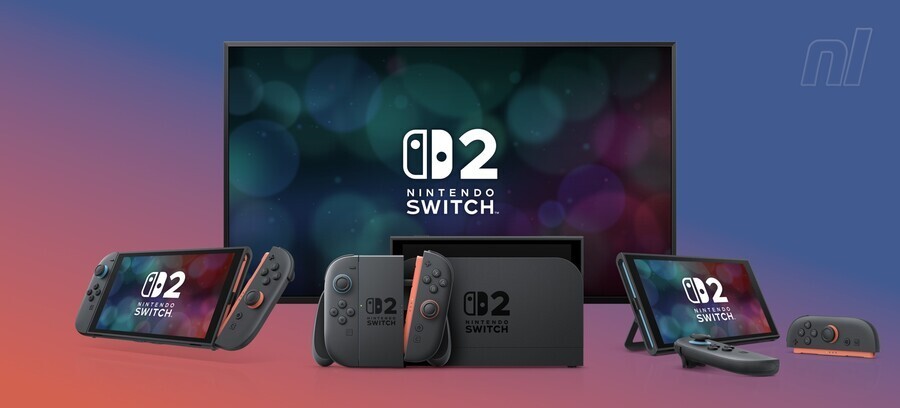
I didn’t want to buy Fallout 4 again. I really didn’t. I have it on Steam, on my dusty PS4 Pro, and I’m pretty sure I own a copy for a console I don’t even have plugged in anymore. But here we are, February 2026, and Todd Howard has once again convinced me to drop money on a game that’s over a decade old. The Anniversary Edition just hit the Nintendo Switch 2, and after spending the last 48 hours ignoring my emails to run around the Commonwealth, I have some thoughts. Mostly good ones. Some frustrating ones.
And let’s get the elephant out of the room immediately: The downtown Boston area.
If you played this on Xbox One back in the day, you know the pain. The game would turn into a slideshow. I fully expected the Switch 2 to choke here. It didn’t. Well, mostly.
I ran my stress test yesterday afternoon. Running from Diamond City to Goodneighbor, tossing grenades like a maniac to trigger physics calculations, the frame rate held a locked 60fps for about 95% of the run. It dipped — briefly — to what felt like the mid-40s when a Vertibird crashed directly into a Super Mutant skirmish, but the system recovered in under a second. On a handheld? That’s wild.
Specs and Settings: What Are We Looking At?
I’m playing on the launch model Switch 2 (firmware 18.0.1), and the optimization here is surprisingly aggressive. Unlike the Skyrim ports of yesteryear where everything felt a bit blurry, this looks sharp.
Docked Mode: It seems to be targeting 1440p using DLSS. The image quality is crisp, textures are the “High” preset from the PC version (not Ultra, let’s be real), and the lighting engine has been upgraded to include the god-rays that used to kill performance on older AMD cards.
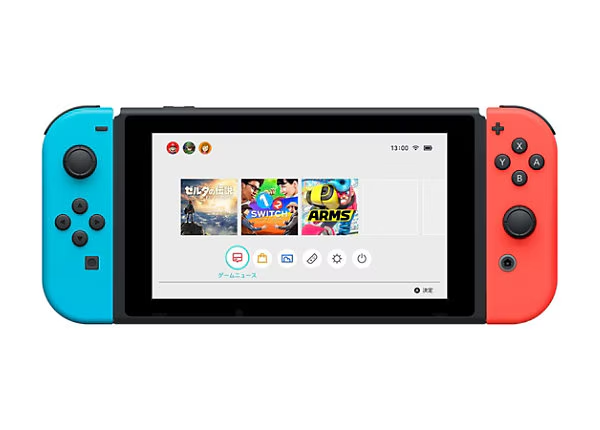
Handheld Mode: This is where I spent most of my time. Native 1080p. The UI scaling is finally decent — I can actually read the Pip-Boy without squinting, which was my biggest fear. The text size slider in the settings menu actually works now.
Here is the weird part though. I noticed a distinct lack of ambient occlusion in handheld mode. Shadows look a bit flat indoors. It’s a trade-off for that 60fps target, obviously, but coming from the PC version, the interiors feel slightly sterile.
The “Anniversary” Content Bloat
So this edition comes with the six official add-ons and a bunch of Creation Club stuff baked in. Automatron, Far Harbor, Nuka-World—the gang’s all here. I jumped straight into Far Harbor because the fog effects are historically a nightmare for GPU bandwidth.
The Switch 2 handles the volumetric fog surprisingly well, but the fan noise? It kicked up immediately. My unit was humming loud enough that my cat left the room. If you’re playing Far Harbor in bed next to a sleeping partner, you’re gonna get elbowed.
Load Times: The Real MVP
I timed this because I’m a nerd for I/O speeds. I used the fast travel point from Sanctuary Hills to the glowing sea (edge of map).
- PS4 (HDD): ~45 seconds (painful memory)
- Switch 2 (Internal Storage): 4.2 seconds
Four seconds. You barely have time to read the loading screen lore tips. This changes the gameplay loop entirely. I found myself actually using fast travel to dump loot instead of over-encumbering myself and walking for ten minutes because I dreaded the load screen. It makes the settlement building aspect much less tedious since hopping between locations is instant.
Battery Drain Is Real
Look, you can’t have high-res textures and 60fps without paying for it in juice. I started a session at 100% charge, brightness at about 60%, Wi-Fi on.
I got exactly 2 hours and 14 minutes before the “Low Battery” warning flashed. That’s… okay? It’s better than what I get running Cyberpunk on this thing, but it’s not great for a long flight. If you’re planning a marathon session, bring a 45W power bank. Do not rely on the internal battery if you’re doing heavy combat or settlement building with high object counts.
Modding on the Go
Bethesda included the mod browser. It works. I installed a few lightweight mods (Sim Settlements Lite and a dialogue overhauler). The game didn’t crash, but I did notice the boot-up time for the game itself increased significantly once the mod list was active. We’re talking going from a 10-second cold boot to nearly 30 seconds while it validates the load order.
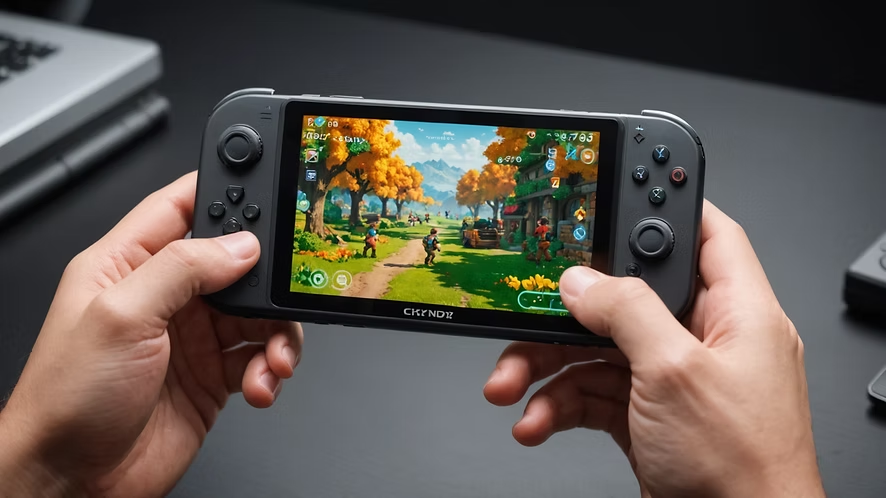
Also, a warning: Do not go over the 2GB limit. I tried to force a texture pack that pushed the limit right to the edge, and the game hard-crashed to the Switch home screen three times in a row. Keep it light. Script-heavy mods are risky on this CPU architecture.
The Verdict
Is it perfect? No. The physics engine still freaks out if you cap the frame rate above 60 (don’t try to unlock it, trust me), and I saw a Brahmin stuck on a roof in Concord within the first hour. It’s still a Bethesda game.
But having the full, uncompromised Fallout 4 experience with the DLC and stable performance in a handheld form factor is impressive. It feels better than the Steam Deck verification did back in ’24, mostly because the UI feels purpose-built for the Switch controls rather than just emulating a mouse.
If you’ve never played it, this is a solid way to jump in. If you’ve played it to death… well, you’re probably going to buy it anyway just to build a settlement on the toilet. I can’t judge you. I’m already level 15.